1
Choose a target
Use 500KB by default, or switch to another target when an upload form asks for a different file size.
Private browser-based compression
Compress JPG, PNG, and WebP images to 500KB or less in your browser. Fast, private, and free, with instant preview and download.
500KB
default target
0
uploads needed
JPG
PNG + WebP too
Choose a target size, upload an image, then download the compressed result. Your file stays on this device.
Target file size
Lower values make it easier to reduce image size to 500KB. The tool will only resize dimensions if quality alone is not enough.
Ready to compress
Upload an image and this image size reducer to 500KB will try the smallest visual change first.
Original
-
Compressed
-
Saved
-
Dimensions
-
Upload a file to preview the original image.
The compressed image will appear here.
Share this compressor
How it works
This compressor to 500KB runs in your browser. It adjusts image quality first, then gently scales dimensions only when needed.
For most camera photos, the best result comes from a balanced mix of JPEG quality and smart resizing. The goal is simple: compress the image to 500KB, keep the picture readable, and avoid the heavy artifacts that make documents and profile photos hard to use.
1
Use 500KB by default, or switch to another target when an upload form asks for a different file size.
2
The canvas engine tries to reduce image size to 500KB while keeping the image useful.
3
Preview the result, compare sizes, and save the compressed file.
Related tools
People often search for one exact upload limit. These tool pages keep the same compressor workflow but focus on a specific target size or format.
Use this section like a mini compressor directory. The 200KB compressor is the main tool, while each page points to a common target-size compressor people need for forms, profiles, and document uploads.
Use cases
Use this online compressor to 500KB when a website rejects a file for being too large. It is especially useful for IDs, profile pictures, application photos, and scanned document images.
Reduce image size to 500KB before uploading photos to school, job, or government forms. If the form asks for a JPEG image, use the download file as a lightweight JPG.
Compress images to 500KB for profile pictures without waiting on server uploads. The preview helps you check whether the face and details still look clear.
Make photos lighter before sending them to clients, teams, or support desks. A 500KB image is easier to attach and faster to open on mobile.
Create smaller web images quickly when you need a fast compressor to 500KB. Smaller files can improve page speed and reduce bandwidth.
Compression tips
If you need to compress an image to 500KB, start with the default 500KB target and keep the minimum quality around 60%. For very large camera photos, the tool may reduce dimensions after quality compression, because dimensions often matter more than tiny quality changes.
A JPEG compressor usually works best for real-world photos, portraits, product shots, and scanned images.
If your image has small text, choose a larger target first, then try 500KB and compare the preview before downloading.
PNG transparency may be flattened to a white background when the file needs JPEG-style compression to reach 500KB.
Why 500KB?
Many upload forms reject large photos without explaining what to do next. A focused compressor to 500KB removes that friction: choose the 500KB target, compress the file locally, check the preview, and download a smaller image that is ready for the next step.
Manual export settings can be confusing because a 60% quality JPEG may still be too large, while another photo at the same quality may be far below 500KB. This compressor measures the actual output size after each attempt, then adjusts quality and dimensions based on the real file size.
If you often submit application photos, product images, profile pictures, or document scans, a dedicated 500KB compressor is faster than opening a full editor. The page keeps the upload, preview, target size, and download controls in one simple workflow.
Photos can contain faces, documents, locations, and private details. ImgCrush keeps compression in the browser, so the image does not need to be sent to a server just to reduce image size to 500KB.
This page is tuned for the 500KB target. It works for JPG, PNG, and WebP files when you need a smaller image but want to preserve more detail.
Quality comparison
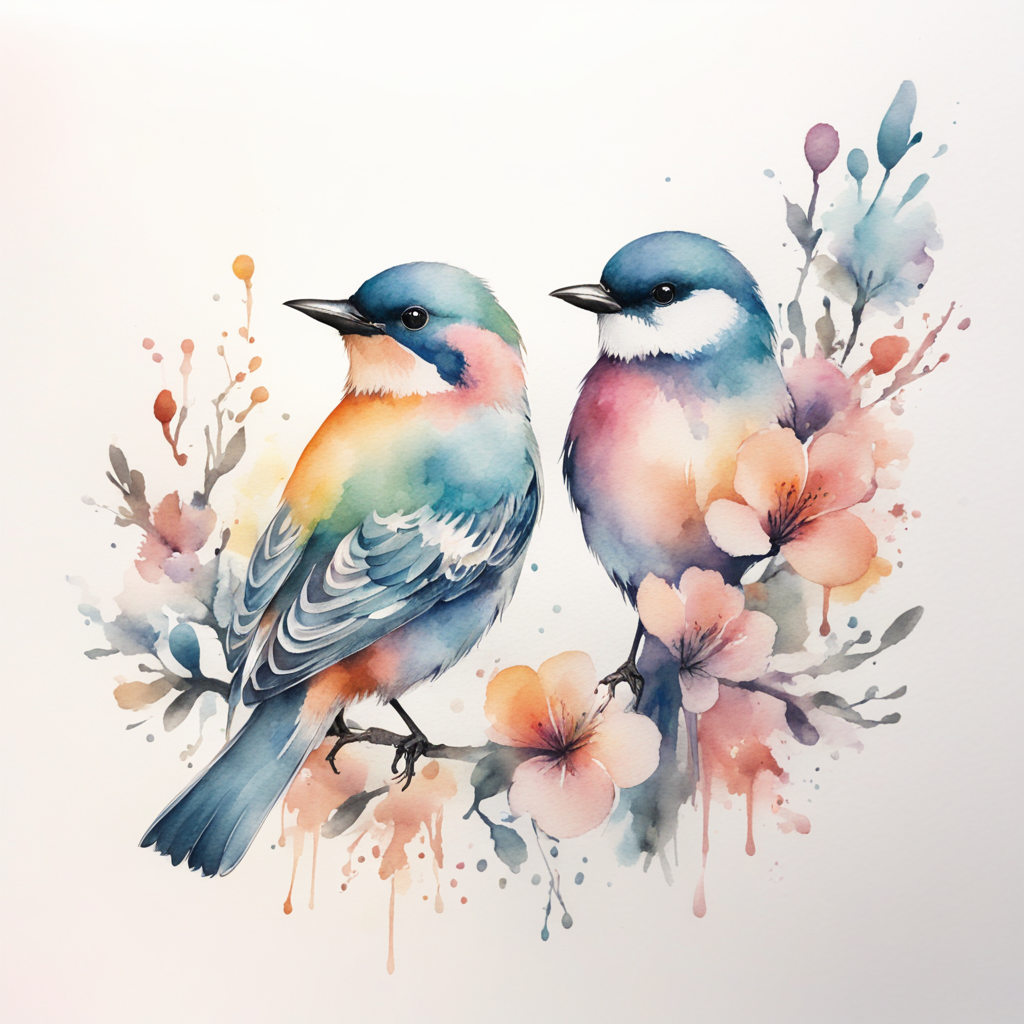
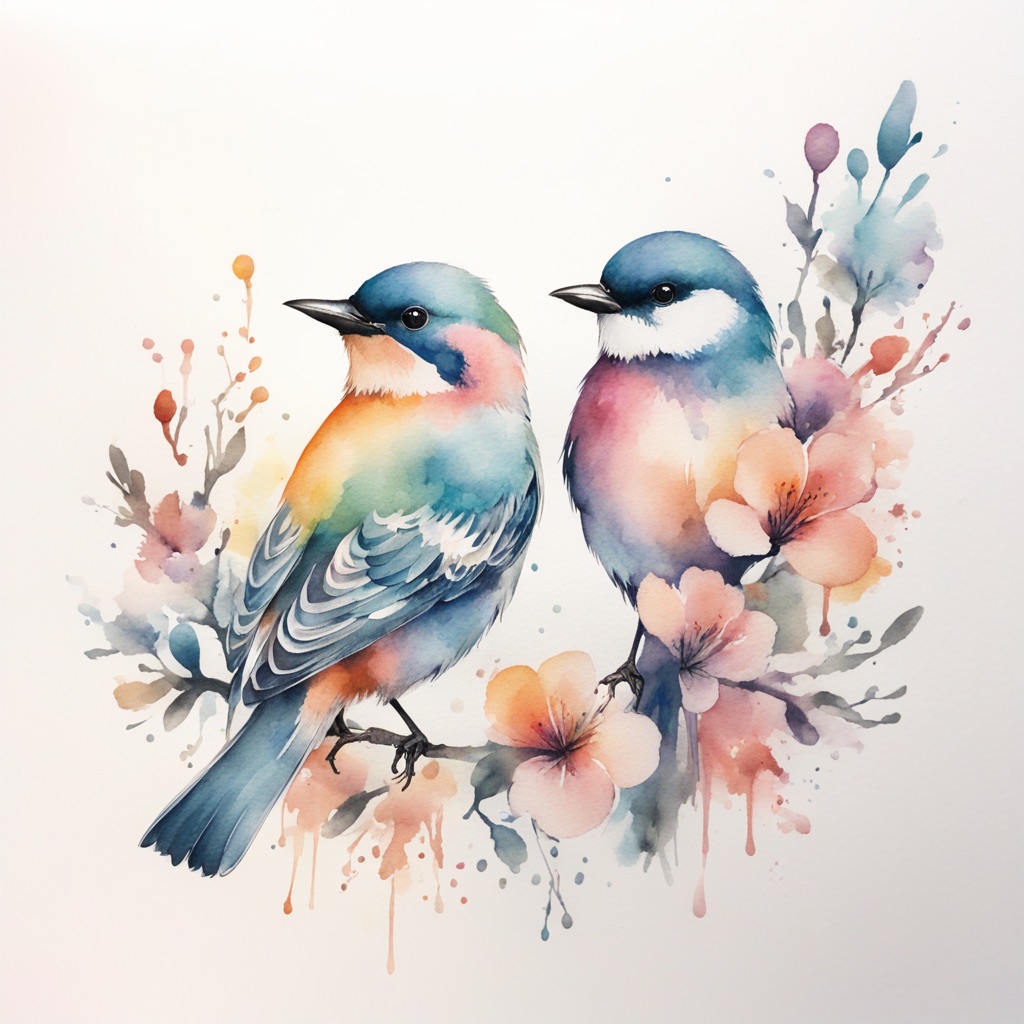
A 500KB compressor should make the file smaller without making the image feel broken. Use the preview in the tool above, then use this visual comparison to understand what smart compression tries to preserve: faces, edges, documents, and product details.
Drag the handle to compare a full-size photo with a compressed 500KB-style result. The compressed side uses fewer bytes, but the important subject should remain clear enough for forms, profiles, and online uploads.
500KB
target result
Preview
before download
Local
no upload
FAQ
No. This tool processes your image in the browser using Canvas and Blob APIs. The image does not leave your device.
Most photos can be compressed to 500KB, but very detailed images or images that must keep large dimensions may need stronger quality reduction or resizing.
Yes. JPG, PNG, and WebP files are accepted. PNG files may be converted to JPEG or WebP when that is the best way to reach the target size.
It tries quality compression first. If the file is still too large, it gradually reduces dimensions to get closer to the selected file size.
For photos, JPG is usually the best format for a 500KB target. PNG is better for graphics, but PNG files can stay large, so this tool may create a JPG-style result when you need a smaller file.
Yes. The page works on mobile browsers, so you can upload a photo from your phone, compress image to 500KB, preview the result, and download it.